How to Sell on Walmart Marketplace: A Complete Step-by-Step Guide
For years, selling online meant one name: Amazon. Today, more brands are asking a different question: how to sell on Walmart. With millions of US shoppers visiting Walmart.com, Walmart Marketplace has become a serious second channel, and for some categories it can be an excellent first one.
The catch is that Walmart is not just “Amazon with a different logo.” The application process, the content rules, the search system and the advertising tools all work a little differently. In this guide, we walk through the whole journey: whether Walmart is worth it, how to get approved, how to set up your account and catalog, how to optimize listings, how to win the Buy Box and how to advertise with Walmart Connect. We also cover when it makes sense to hire a Walmart marketplace agency.
What is Walmart Marketplace?
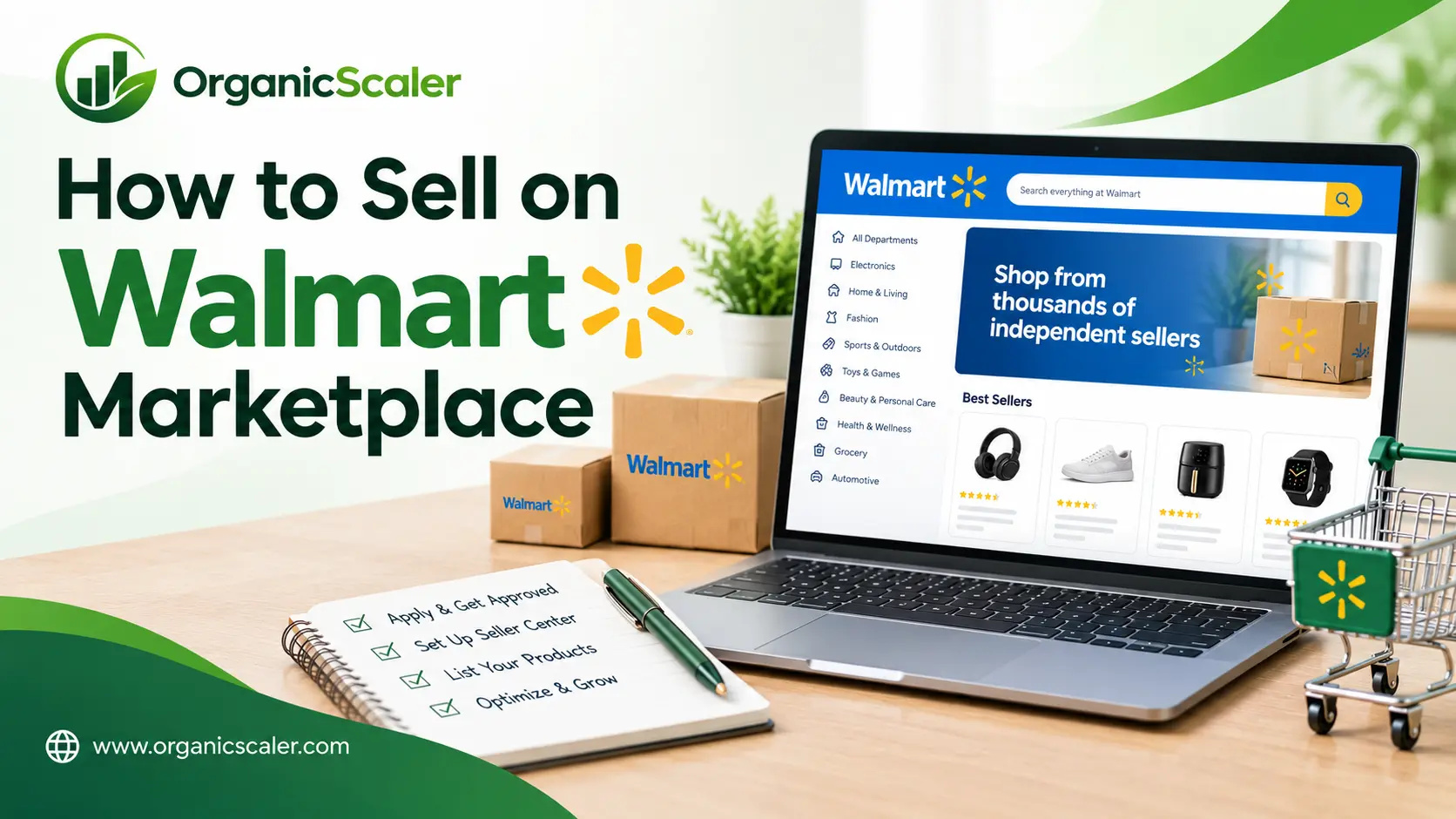
Walmart Marketplace is the platform that lets approved third-party sellers list and sell products on Walmart.com alongside Walmart’s own inventory. Customers browse Walmart.com like normal, and your products appear in search results and category pages. Orders flow through Walmart’s system, and you ship them yourself or use Walmart Fulfillment Services (WFS).
Is selling on Walmart worth it?
For many brands, yes, but it depends on your products and your readiness. Here are the main reasons sellers add Walmart to their mix:
- A large, loyal shopper base that overlaps with, but is not identical to, Amazon’s audience
- In some categories, less competition for the same search terms
- Another sales channel that reduces your reliance on a single marketplace
- A chance to reuse the product content and keyword research you already have
The trade-offs are real too. You need reliable inventory, fast shipping, strong content and a plan for advertising. Walmart also values performance, so late shipments or out-of-stock items can hurt your visibility. Always check Walmart’s current seller requirements and fees on its official seller site before applying, because they can change.
Step 1: Apply and get approved
Walmart does not accept every applicant. You apply through the seller portal with your business details, tax information and proof of your existing selling experience, such as an active marketplace store or a website. Prepare your documents in advance and make sure your business information is consistent everywhere. Approval can take some time, so start early.
Step 2: Set up Seller Center
Once approved, you will work inside Walmart Seller Center. This is where you set up shipping settings, return policies, payment details and your fulfillment method. Take care here, because mistakes in shipping templates or return settings can cause performance problems later.
This is also the moment to decide how you will fulfill orders. Seller fulfilled gives you more control. Walmart Fulfillment Services, or WFS, lets Walmart store, pack and ship your products, which can improve delivery speed and shopper trust but adds fees and requires inventory planning.
Step 3: Build your product catalog
Your catalog is the foundation of your Walmart business. You can list items one by one, upload them in bulk or connect through an integration. Each product needs correct identifiers, such as a UPC or GTIN, plus a complete set of attributes like brand, size, color and material.
This is where many new sellers run into trouble. Missing or incorrect data can cause listings to be suppressed or hard to find. Take time to get the item setup right the first time, and review the catalog error reports regularly.
Step 4: Optimize your listings for Walmart search
Once your products are live, the next job is making them easy to find and easy to buy. Walmart listing optimization focuses on a few key areas:
- Title: Include your main keyword, brand and the key attribute, written clearly for shoppers
- Key features and description: Explain benefits and answer common questions, in plain language
- Images: Use sharp, well-lit photos that follow Walmart’s image guidelines
- Attributes: Fill in every relevant field, since many shoppers use filters to narrow results
- Pricing and availability: Competitive prices and steady stock help your products stay visible
A useful habit is to compare your listing with the top results for your main keyword. Ask yourself what they offer that you do not, and fix the gaps.
Step 5: Win the Buy Box
When several sellers offer the same product, Walmart picks one to feature in the Buy Box, the spot where the shopper adds the item to the cart. Winning it depends on several factors, including price, shipping speed, in-stock rate and overall seller performance. Keep your prices competitive, ship on time, answer customers quickly and avoid cancellations. If you offer a unique branded product, you often face less Buy Box competition.
Step 6: Advertise with Walmart Connect
Walmart Connect is Walmart’s advertising platform. Its Sponsored Search ads place your products at the top of search results when shoppers look for relevant keywords. Like Amazon PPC, it works best when you treat it as a system and not a set-and-forget tool.
Start with your best-selling or best-reviewed items. Watch your search terms, cost per click, sales and ROAS. Add negative keywords to cut wasted spend, and increase budgets on campaigns that pay off. Over time, ads can also improve organic visibility by driving sales that tell Walmart your product is popular.
WFS vs seller fulfilled: which is better?
There is no single right answer. WFS can offer faster shipping and a smoother customer experience, which may help conversion. Seller fulfilled keeps you in control of inventory, packaging and costs, and can be better for large, custom or low-volume items. Many brands test both on a few products and compare profit, not just sales.
When should you hire a Walmart marketplace agency?
Some sellers manage Walmart alone. Others bring in help when things get complicated. Consider a Walmart marketplace management partner if you face any of these:
- Your listings are suppressed or full of catalog errors
- Sales have stalled and you do not know why
- You do not have time to manage ads, content and reporting
- You are expanding from Amazon and want a faster start
- You want expert help with Brand Portal, Brand Shop or WFS
A good agency handles setup, content, advertising and reporting, and gives you a clear picture of what drives growth.
FAQs About How to Sell on Walmart Marketplace
1. How do I become a Walmart marketplace seller?
Apply through Walmart’s seller portal with your business details, tax information and proof of marketplace or ecommerce experience. After approval, set up Seller Center, add your catalog and start listing products.
2. Can I sell the same products on Amazon and Walmart?
Yes. Many brands do. Just adjust content, pricing and inventory settings for each marketplace, and make sure you follow each platform’s rules.
3. Why is my Walmart listing suppressed?
Common causes include missing attributes, incorrect product identifiers, content quality issues or policy problems. Check your listing quality and catalog reports to find the exact reason, then correct and resubmit.
4. How does Walmart SEO differ from Amazon SEO?
Both reward relevant keywords and strong conversion. Walmart places heavy weight on complete, accurate product data and listing quality, while the rules for content and ranking signals differ in detail. It helps to optimize for each marketplace separately.
5. How much does it cost to sell on Walmart?
Costs typically include referral fees by category, plus optional costs such as WFS and advertising. Because fees can change, review Walmart’s current fee schedule before you start.
6. How long does it take to see sales on Walmart?
It varies by category, pricing and content quality. Many sellers see early orders within weeks, with steadier growth as listings improve and advertising gathers data.
Ready to launch or fix your Walmart account?
Organic Scaler helps brands launch, optimize and scale on Walmart Marketplace, from catalog setup to Walmart Connect ads. Request your free Walmart Marketplace audit and find out what is holding your listings back.